QRView
A web application connecting IFC model quantities to construction costs, with configurable measures, rates, project stages and cost reporting.
Web App · Construction
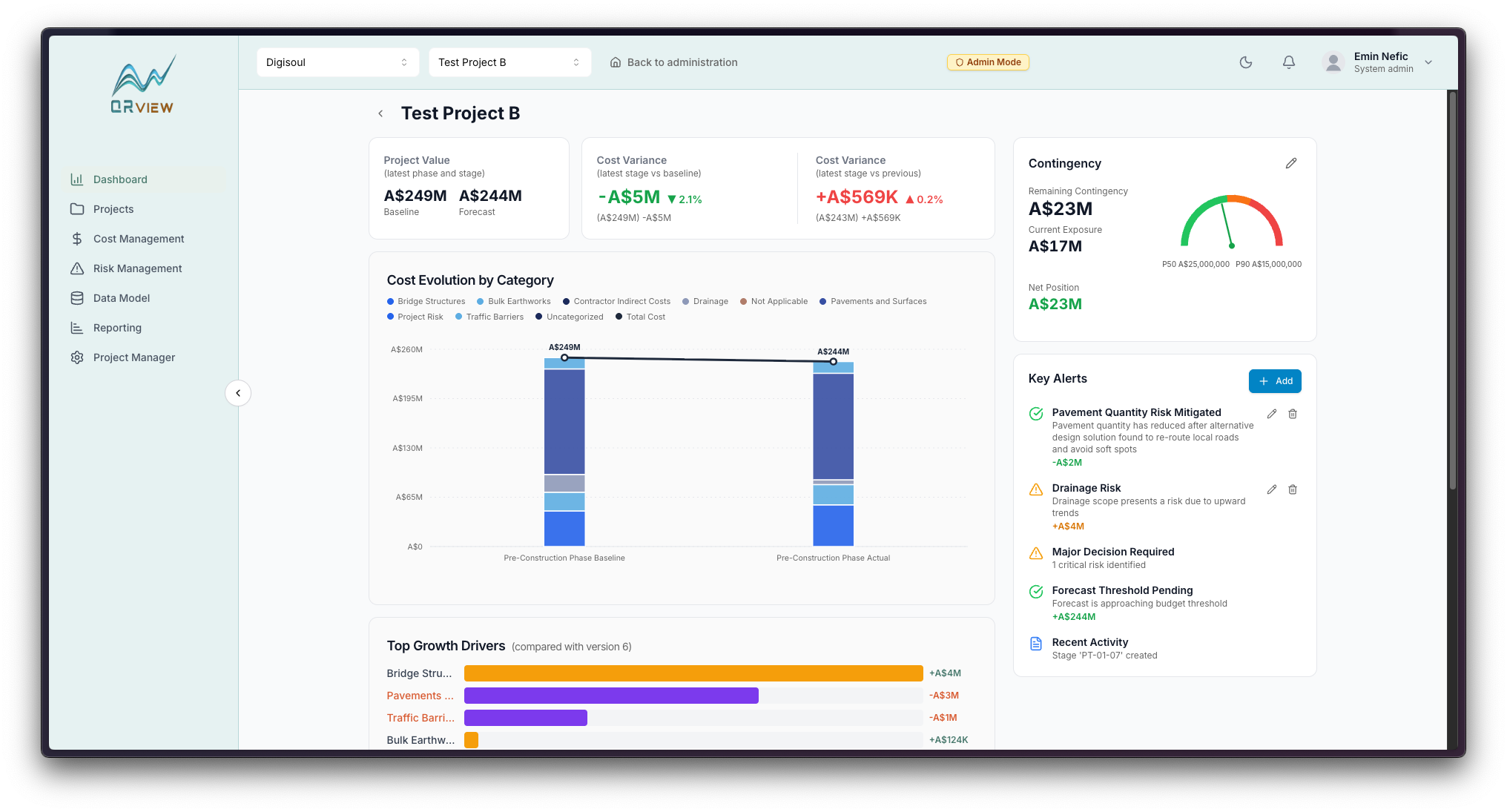
The idea behind QRView
An IFC file describes a building through elements, properties and quantities. Turning that information into a cost plan means deciding which properties to measure, how to calculate the quantities and which rates apply.
QRView brings those decisions into a shared workflow. Teams upload a model, map its properties, assign measures and rates, and review the resulting costs across project phases and stages.
The frontend makes mapping choices accessible alongside the model workflow. A .NET backend handles IFC parsing and cost logic, with SQL Server for application data and Azure Blob Storage for uploaded models.
Built with
- Next.js
- React
- TypeScript
- C# / .NET
- SQL Server
- Azure Blob Storage
- xBIM
What we built
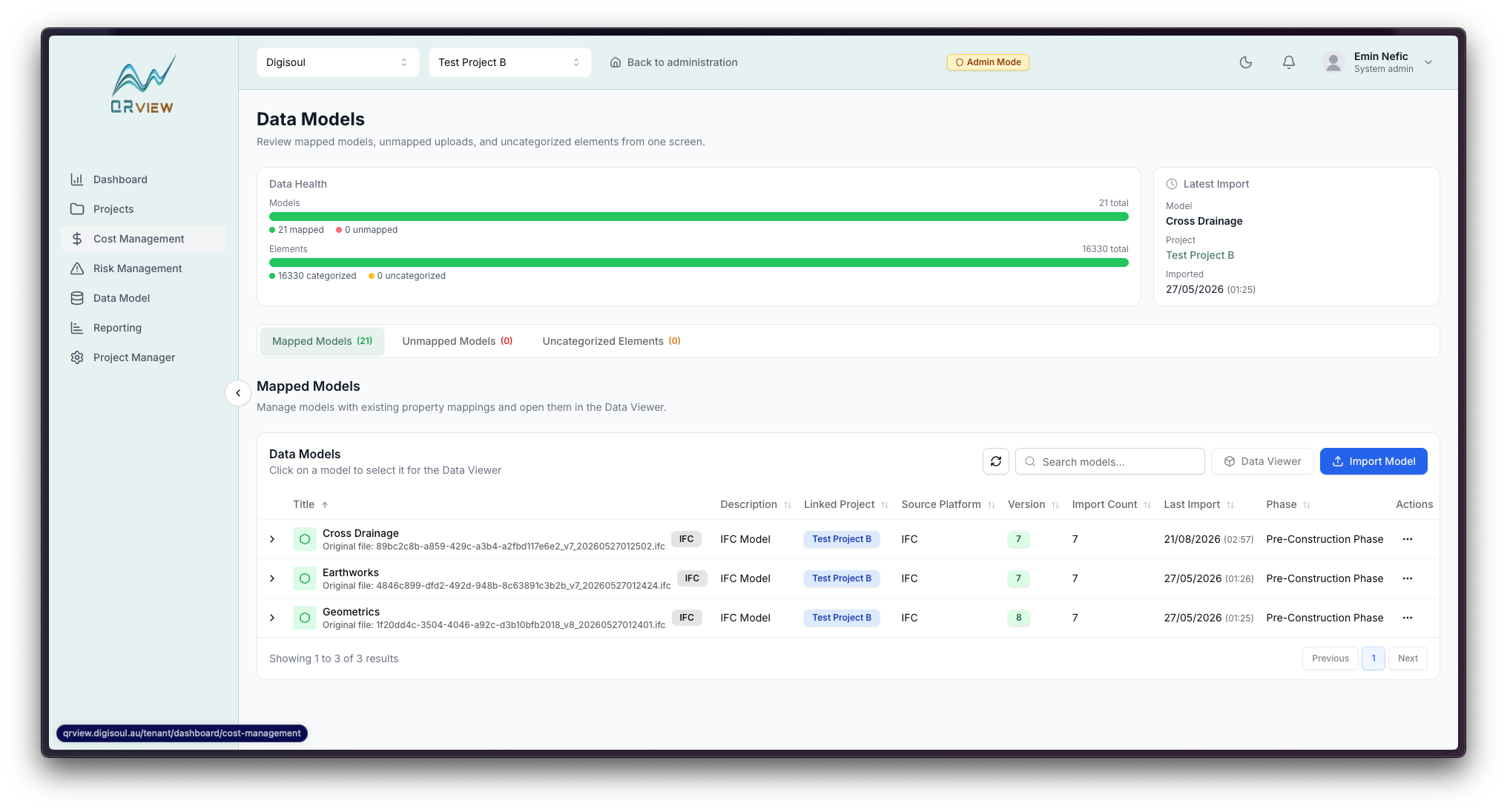
- Upload IFC files and explore their categories, elements, properties and quantities within a project.
- Configure property mappings and measurement formulas, including fallback expressions for differences between source models.
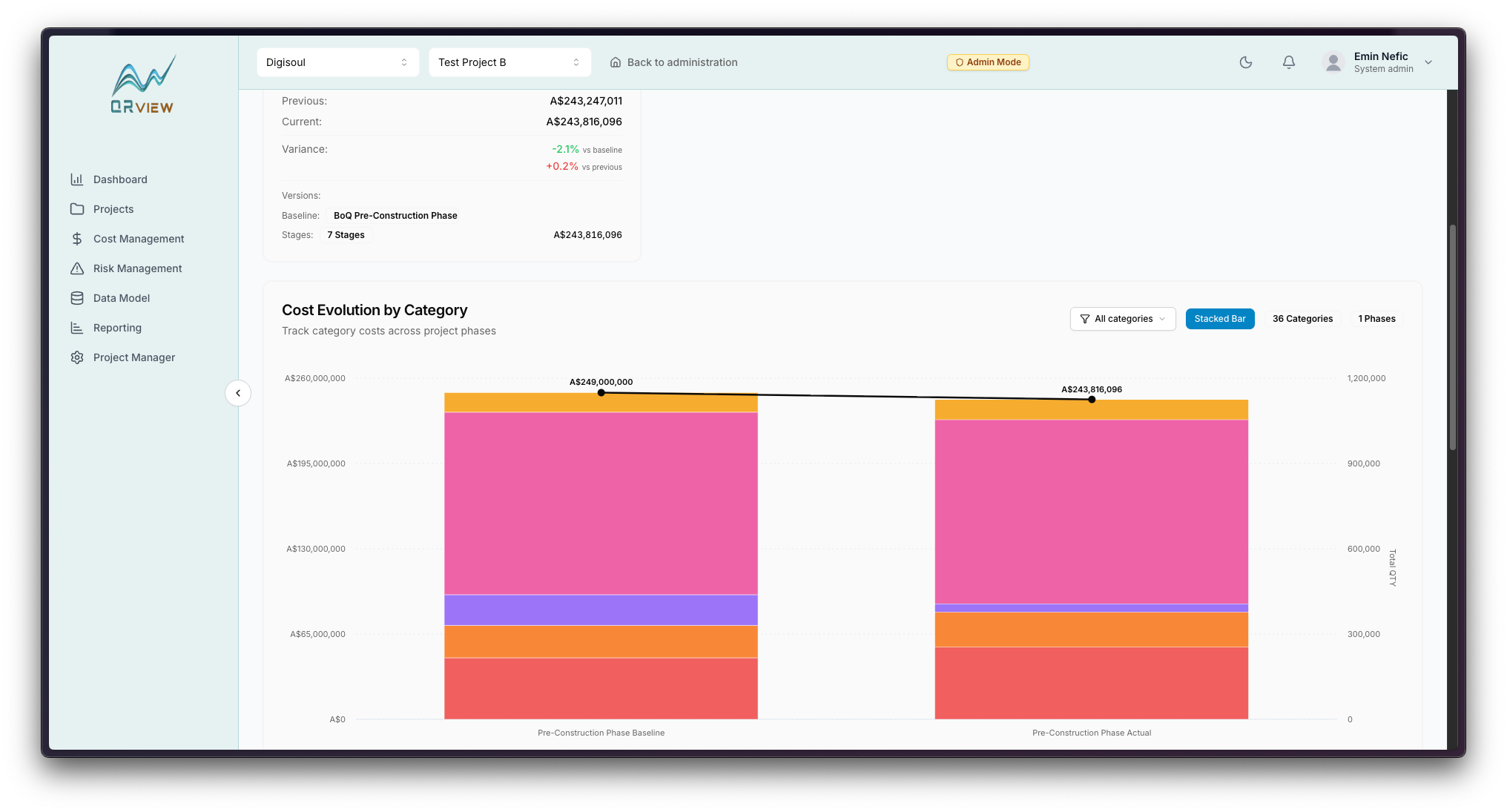
- Assign measures and rates to model categories, then calculate element costs from the mapped quantities.
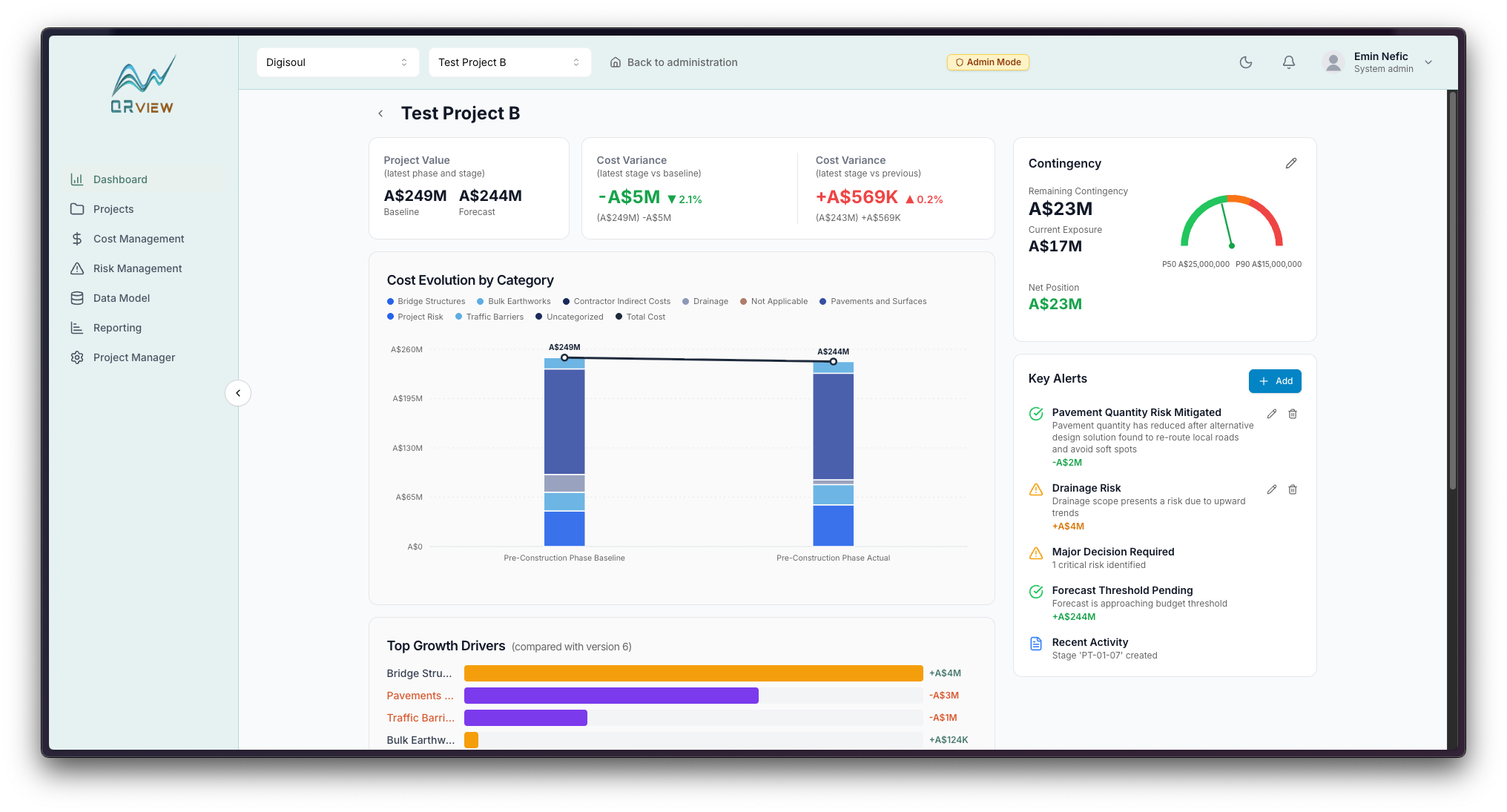
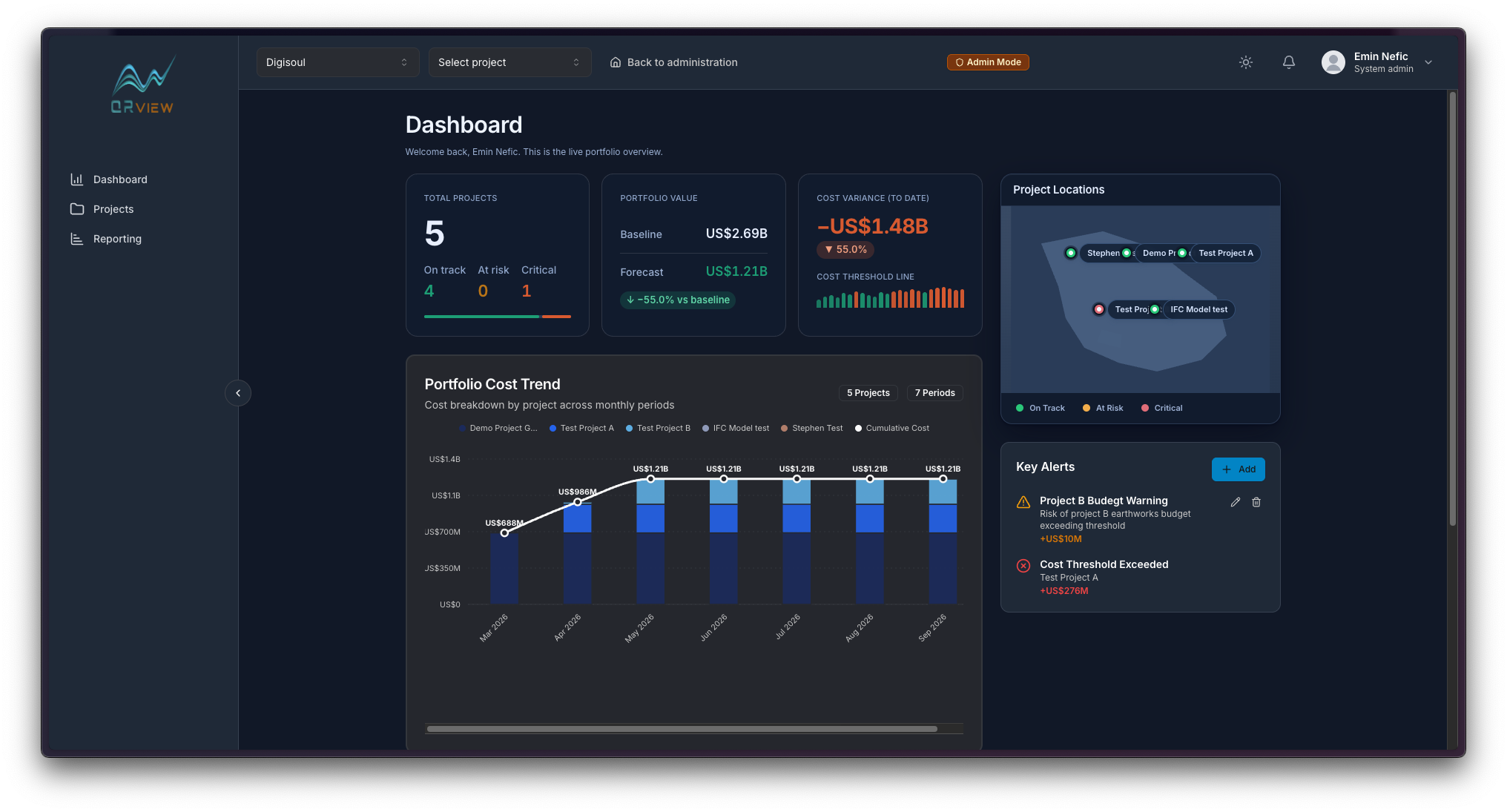
- Organise models by project phase and stage, work with budgets and review cost information through project reports.
What was hard, and how we solved it
The hard parts
- The quantity needed for a cost calculation may appear under different properties in different IFC files.
What we did about them
- Configurable property mappings and formulas, with fallback expressions when the primary formula cannot resolve.
Inside the app
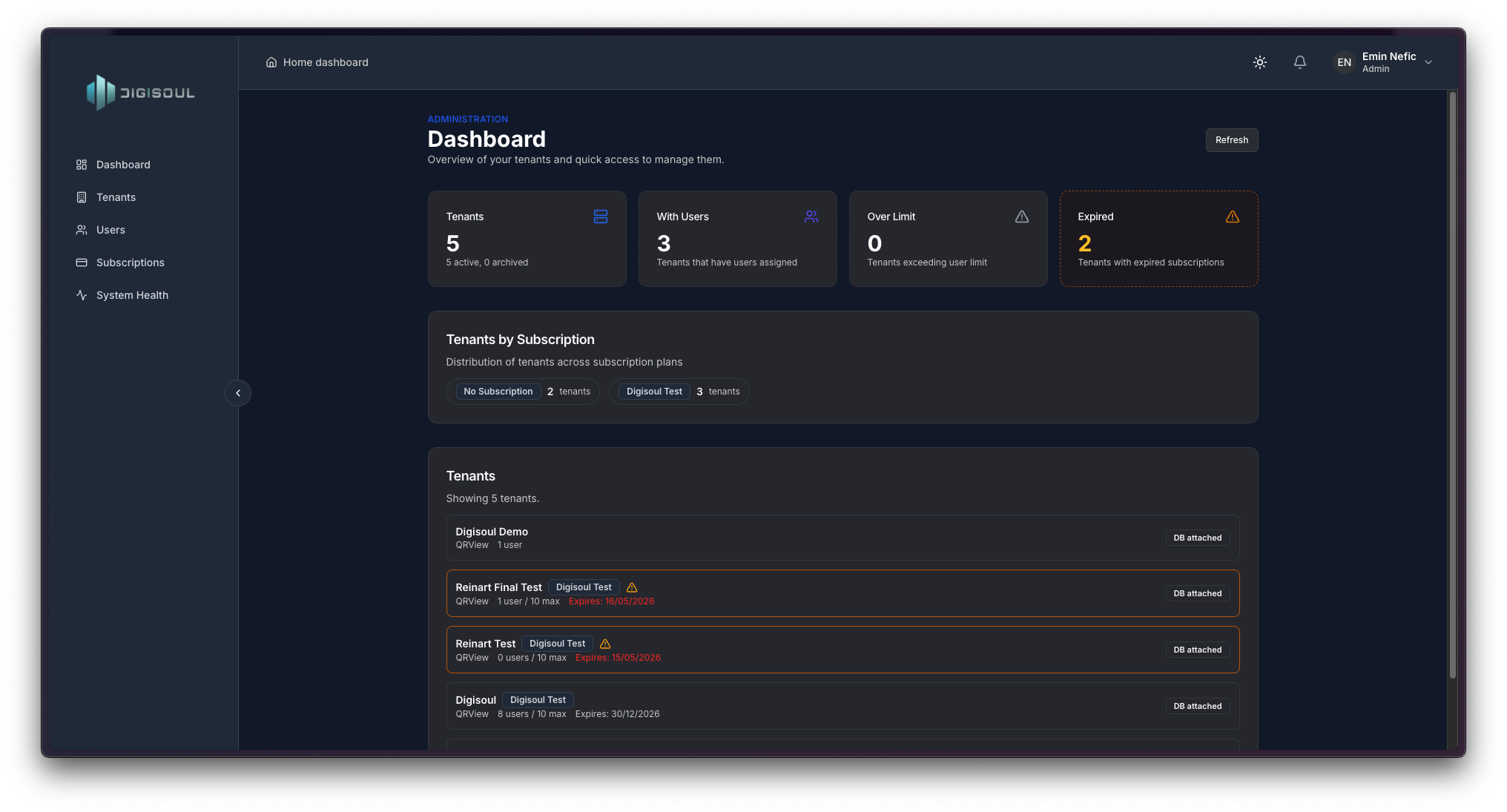
Select a screen for a closer look.
Next up: Good Way App
A taxi app that offers users the ability to call a taxi and choose whether they want to ride alone, carpool or bring their pets on board.
Explore the project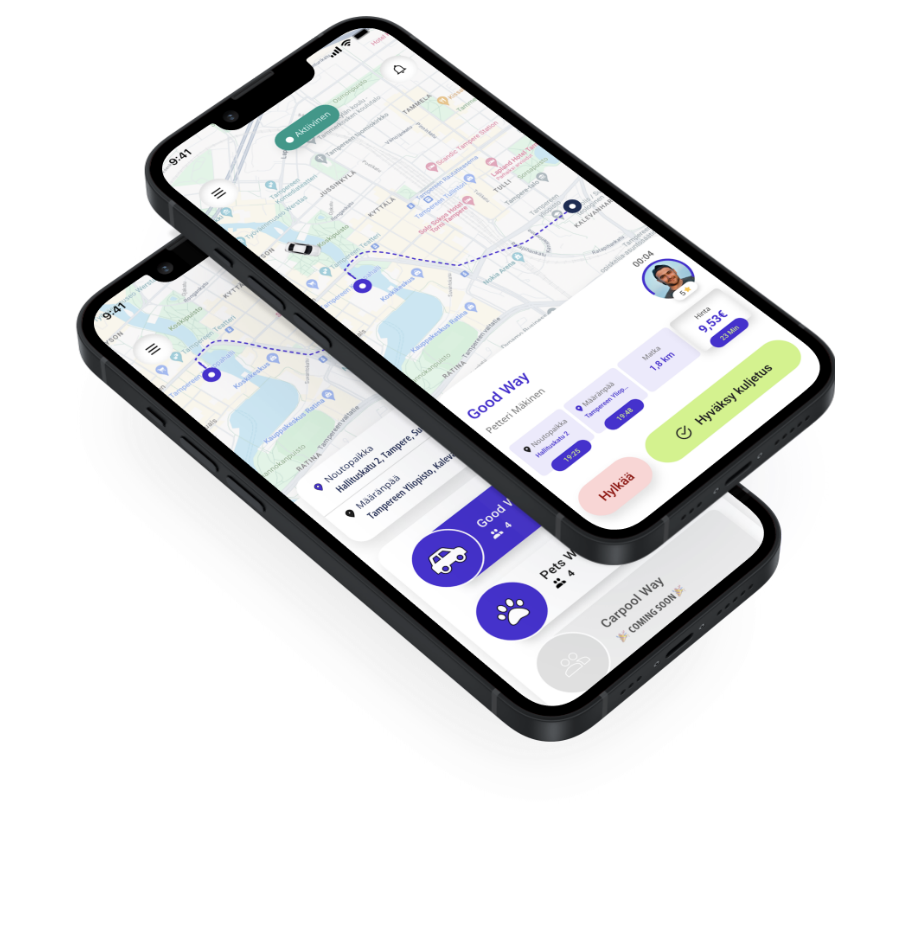
Building something like this?
Tell us where you are with it. Two scoping sessions in week one end with a price and a launch date in writing.